Two-Tab Automation Workflows
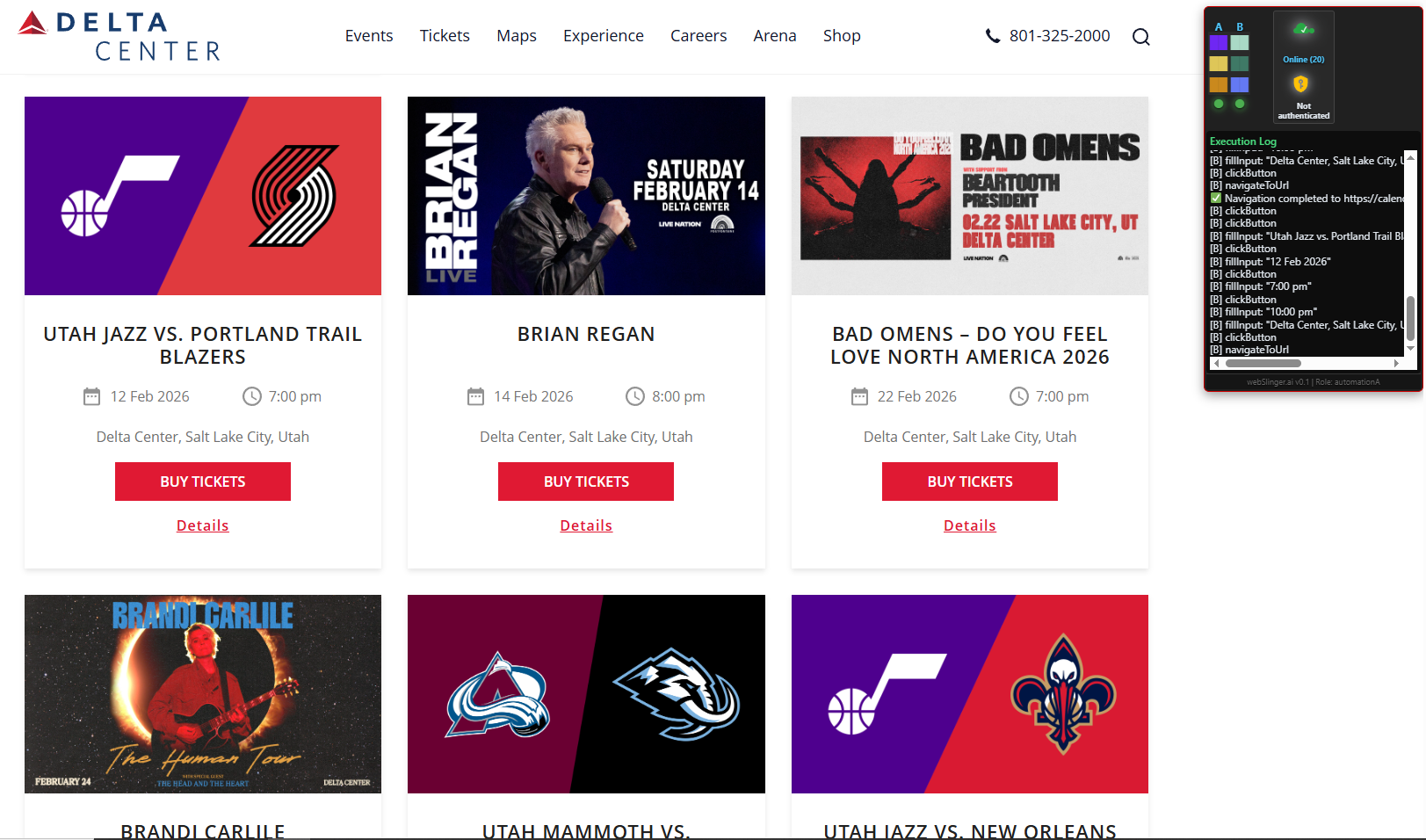
Delta Center event calendar showing array extraction Click to expand

Tab A: Extract Event Data

Extract event name, date, time, and location from Delta Center calendar
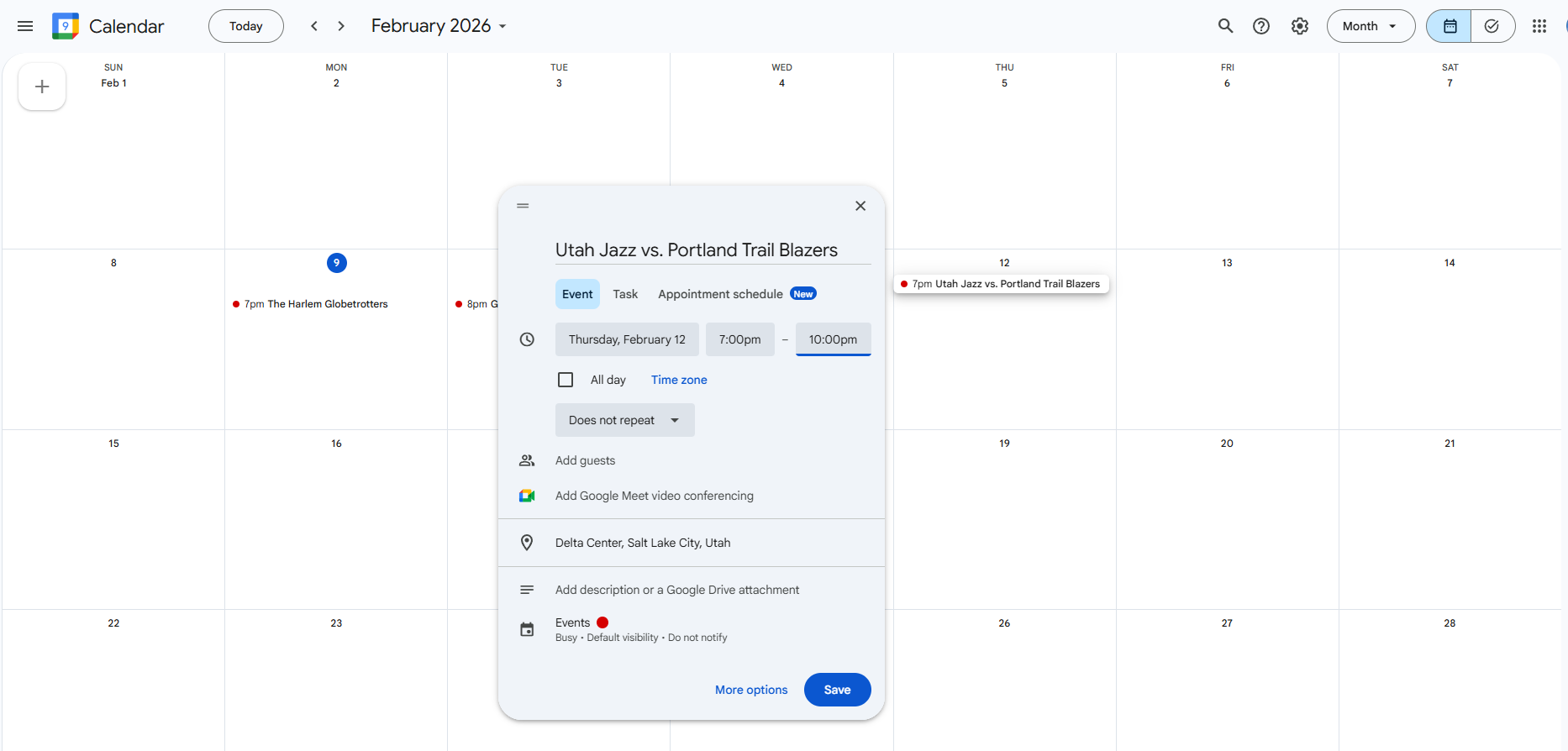
Google Calendar event creation dialog Click to expand

Tab B: Create Calendar Entry

Populate Google Calendar form with extracted event details

Extract data from one website and use it to populate forms on another - coordinating actions across tabs

Next

What to Observe

  • Two independent tabs working together - extraction from Delta Center, form filling in Google Calendar
  • Data flows between tabs - extracted event details populate the calendar form fields
  • Real-time validation - both extraction and input actions are validated simultaneously
  • The validation log shows both extraction results and input actions
  • This demonstrates webSlinger's ability to coordinate cross-site workflows
Full screen image